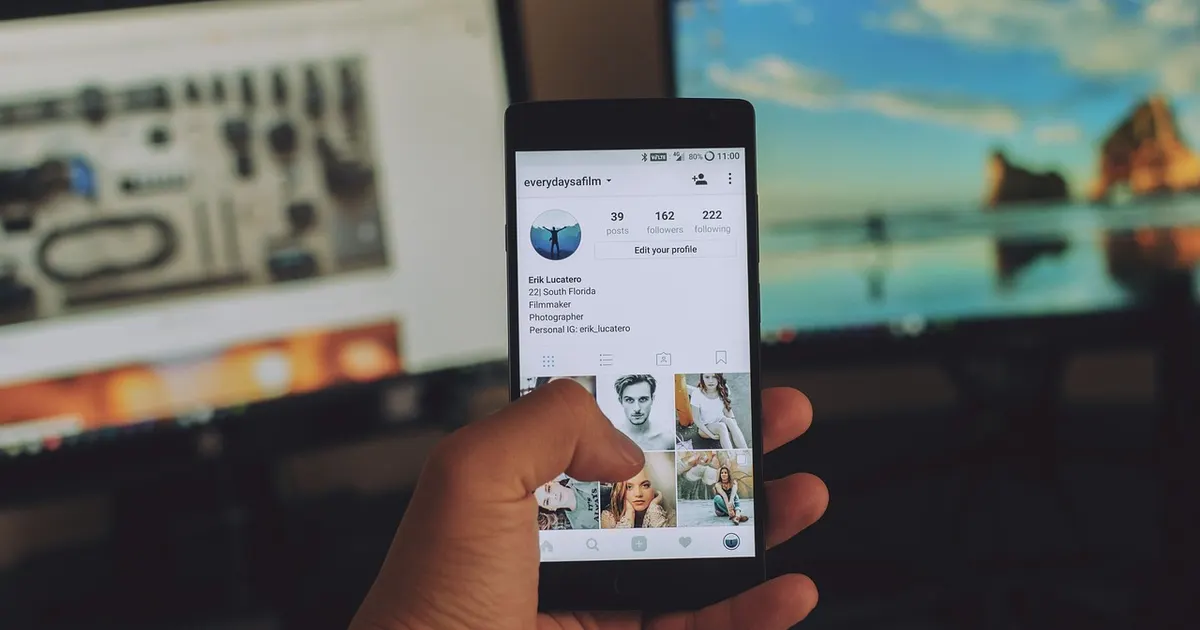
To add multiple links to your Instagram bio, open your profile, tap Edit profile, tap Links, then Add external link, paste the URL, add a title and tap Done. Repeat for up to five links. If you need more than five links, or want one page you control with your branding and click statistics, put a single link in bio page in your Instagram profile and add every link there.
Adding multiple links to your Instagram profile is an easy way to send followers to your latest posts, your online store, your YouTube channel and your other social media profiles at the same time. This guide walks you through both methods step by step, explains how Instagram shows multiple links on your profile, and shows how to build a link in bio page that turns profile visits into clicks, sign ups and sales.
Can you have multiple links in your Instagram bio?
Yes. For most of its history, Instagram allowed only one clickable website link in the bio, which is why "link in bio" became a habit on the platform. Multiple links arrived as a new feature in 2023, and Instagram now lets every account add up to five external links from the Links section of Edit profile, with no follower minimum. As of November 2026, Meta's help center also says subscribers to its paid Meta One plans can add up to 20 links on an Instagram link page.
Two rules are worth knowing before you start:
- Links only work in the Links section. A URL typed into your bio text or a post caption is plain text, not a clickable link.
- Only one link shows on your profile. Instagram displays your first (or primary) link under your bio, followed by a label such as "and 2 more." Users have to tap it to access the remaining links.
How to add multiple links to Instagram bio (step by step)
These steps work in the Instagram app on iPhone and Android, for personal, creator and business accounts:
- Open your profile. Tap your profile picture in the bottom right corner.
- Tap Edit profile. It is the button under your bio.
- Tap Links. Then tap Add external link.
- Paste the URL. Use the full address, including https://, so the link opens correctly.
- Add a title. A short title such as "Shop," "Book a call" or "Newsletter" tells visitors where the link goes. Titles matter more once you have several links in a list.
- Tap Done (or the checkmark) to save.
- Repeat to add more links, up to five in total.
The whole process takes about a minute. After you save, check your profile from another phone or a logged-out browser to make sure every link opens what you expect.
How to reorder or remove Instagram bio links
Go back to Edit profile and tap Links. From there you can edit, delete or reorder your links. Put the link you most want people to tap first, because it is the one that appears on your profile. Meta's help center notes that with at least two links you can choose which one shows as your primary link.
Why your Instagram bio link is not clickable
- It is in the bio text. Move it from the Bio field to Links.
- The URL is incomplete or has a typo. Paste the full address again.
- The link was rejected. Instagram can block links that break its Community Guidelines or look like spam. Use a trusted domain and avoid long chains of redirects.
Benefits of multiple links in your Instagram bio
One link forces you to choose. Multiple links let followers pick the destination that matches their interests, which helps you:
- Drive traffic to more places: your website, latest blog post, online store and YouTube channel can all be one tap away.
- Increase engagement: people who arrive from a reel or story find the exact content you mentioned instead of a generic home page.
- Keep promotions visible: a launch, event or sale can sit next to your evergreen links without replacing them.
- Connect your social media profiles: followers can find you on other platforms and stay in touch.
Five Instagram links vs. one link in bio page
Five native links are a good fit when you have a few stable destinations. A link in bio page (also called a bio page or mini website) is a better fit when you need more links, a branded look or data about what people tap.
| Instagram's native links | A link in bio page | |
|---|---|---|
| Number of links | Up to 5 (more with a paid Meta One plan) | As many as you need |
| What shows on your profile | The first link plus "and X more" | One clean link, such as u.page/yourname |
| Design | Plain list of titles | Your photo, colors, fonts, buttons, images and video |
| Content beyond links | None | Products, booking, forms, contact card, embeds |
| Click statistics | Instagram Insights only | Clicks per button, referrers, devices and locations |
| Works on other platforms | Instagram only | Same link on TikTok, YouTube, X, LinkedIn, email and print |
Many creators and small businesses combine both: the first Instagram link points to their link in bio page, and the remaining slots hold one or two high-priority destinations such as a current launch or a booking page.
How to add unlimited links to Instagram with a link in bio page
A link in bio page lets you share one URL on your Instagram profile page and send followers to every important destination from a single, mobile-friendly landing page. Here is how to set one up with YouPage:
- Start your free 7-day trial. Create your YouPage account and choose your address, like u.page/yourname.
- Create a Page. In the dashboard, open Pages and pick a template, or start from a blank page.
- Add your links and blocks. Add link buttons for your latest content, shop, booking page and newsletter, plus social icons. You can also add images, YouTube, Spotify, TikTok and Instagram embeds, an FAQ, a countdown, a contact form, a vCard, products, services and donations.
- Customize the design. Match your brand colors, fonts, background and button style so the page feels like your Instagram profile.
- Copy your Page link into Instagram. Go to Edit profile → Links → Add external link, paste your YouPage URL and give it a title such as "All my links."
- Track what works. Open Statistics to see visits and clicks on each block, plus referrers, countries, devices and browsers, then move your best-performing links to the top.
Because you control the page, you can change every link in seconds without touching your Instagram profile again. The same link works in your TikTok, YouTube, X and LinkedIn profiles, your email signature and a QR code on printed materials.

What to put in your Instagram bio links: latest posts, offers and more
The best Instagram bio links match the actions you ask for in your posts and stories. Common choices:
- Your newest content: the latest video, podcast episode, blog post or product drop.
- Your shop or offer: a product, service, digital download or link in bio store.
- A booking or contact link: an appointment calendar, a contact form or your digital business card.
- A lead magnet: an email sign-up for a guide, discount or newsletter.
- Your other platforms: your YouTube channel, TikTok, Spotify, a website or a community.
- A support link: donations or tips if your audience wants to support your work.
Influencers often add a link to their media kit, and small businesses add an online store or a menu. Whatever you sell or share, keep it focused. Every extra button splits attention, so lead with one or two primary calls to action and group the rest below.

Tips to drive traffic from your Instagram bio links
- Say where the link goes. In captions, comments, replies and stories, be specific and direct: "free checklist, link in bio" works better than "link in bio."
- Use clear link titles. Write action words ("Book a session," "Shop the drop") instead of bare URLs.
- Use a short, branded URL. A clean link like u.page/yourname, or your own domain with custom Domains, looks more trustworthy than a long tracking URL.
- Add story link stickers. Instagram Stories support link stickers, so use them for time-sensitive offers and keep your bio link as the permanent hub.
- Tag your links with UTM parameters. With UTM tags on short Links, you can see which Instagram posts or stories drive traffic in Google Analytics as well as in YouPage Statistics.
- Review your data monthly. Remove links nobody taps and promote the ones that convert, so your multiple links keep earning clicks.
Frequently asked questions
How many links can you have in your Instagram bio?
Every Instagram account can add up to five external links from Edit profile → Links. As of November 2026, Meta says subscribers to its paid Meta One plans can add up to 20 links. For more than that, use one link in bio page that holds all your links.
Why does only one link show in my Instagram bio?
Instagram shows your first or primary link on your profile with a label such as "and 2 more." People tap it to see the full list. Reorder your links in Edit profile → Links to choose which one appears first.
Can I add links to my Instagram bio from a computer?
Links are easiest to manage in the Instagram app on iPhone or Android, under Edit profile → Links. If you do not see the option on the web, make the change in the app.
Do I need a business account to add links to my Instagram bio?
No. Personal, creator and business accounts can all add links to their Instagram bio, and there is no follower minimum.
Is a link in bio page better than Instagram's five links?
It depends on your goals. Five native links are fine for a few stable destinations. A link in bio page gives you unlimited links, your own branding, products, forms and click statistics, and you can reuse the same link on every platform.
How much does a YouPage link in bio page cost?
Pages are included in YouPage paid plans, and every plan starts with a free 7-day trial. See Plans & Pricing for current prices.
Keep reading
- Mini website builder for link in bio Pages
- What does "link in bio" mean?
- How to add a link to your TikTok bio
- Linktree alternatives compared
- How to create a high-performing link in bio page for your business
- Link click tracking with Statistics
- Plans & pricing
Try YouPage free for 7 days
Build your link in bio Page, digital business card, QR codes, short links and email signatures in one place.